Easy Controller Control Center v1 0 0 5 apk


Description
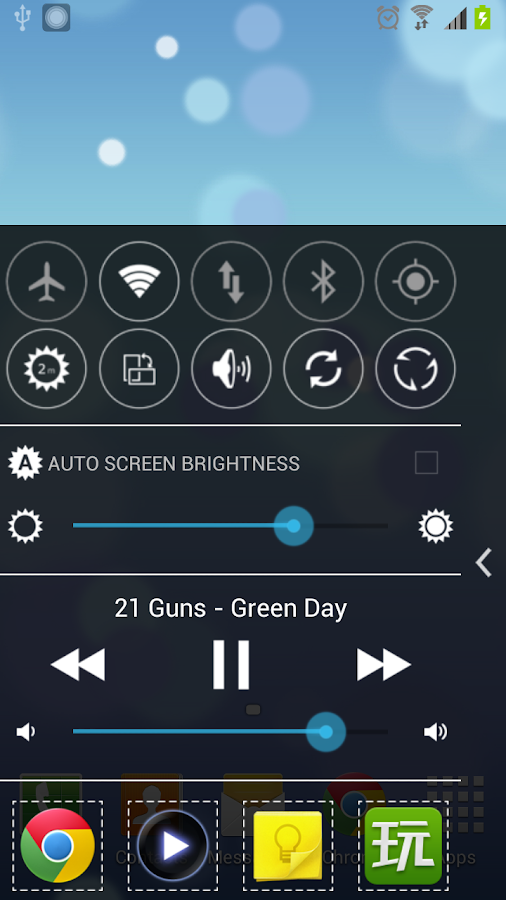
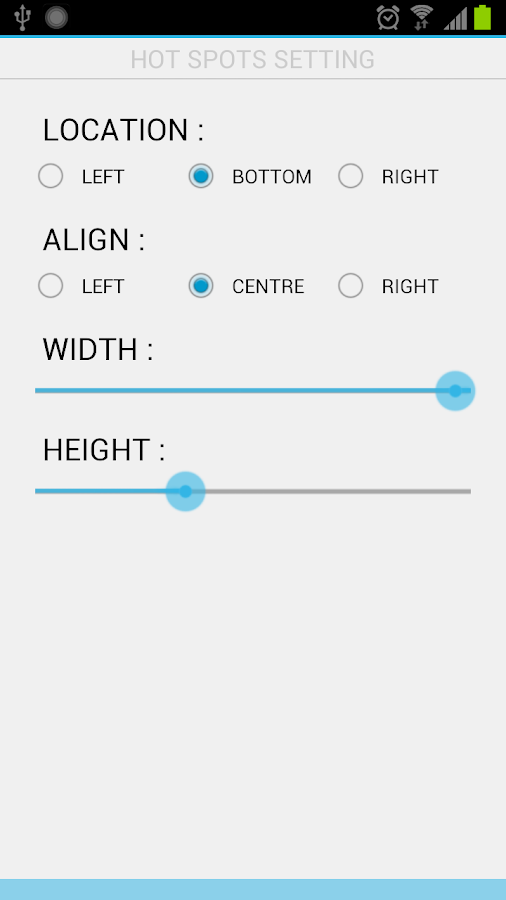
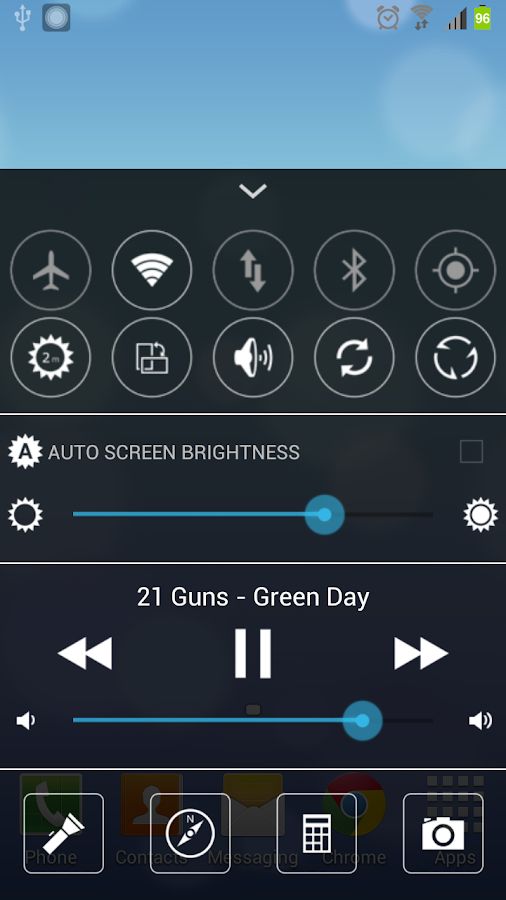
Easy Controller like IOS7 Control Center, it is a panel which look like notification bar, but it location at bottom(or left, right).Your can open it any where on screen, so can easily change phone setting, play/stop music, start app and so on.

Feature:
- Airplane mode switch
- WIFI switch
- Moblie data(2G/3G) switch
- Bluetooth switch
- GPS switch
- Screen timeout setting
- Screen rotation switch
- Ringer mode switch
- Auto sync switch
- Clean memory
- Screen brightness setting
- Auto Screen brightness switch
- Media button(Play/Stop, Next, Previous)
- Media volume
- Flashlight
- Map app shortcut
- Calculator app shortcut
- Camera app shortcut

Change Log
- Add HD icons
- Hide to notification bar(Long tap arrow)
- Play mode
- Music folder selection

Images

Downloads
Download
Read More..

TeamViewer for Remote Control v8 0 1432


Description
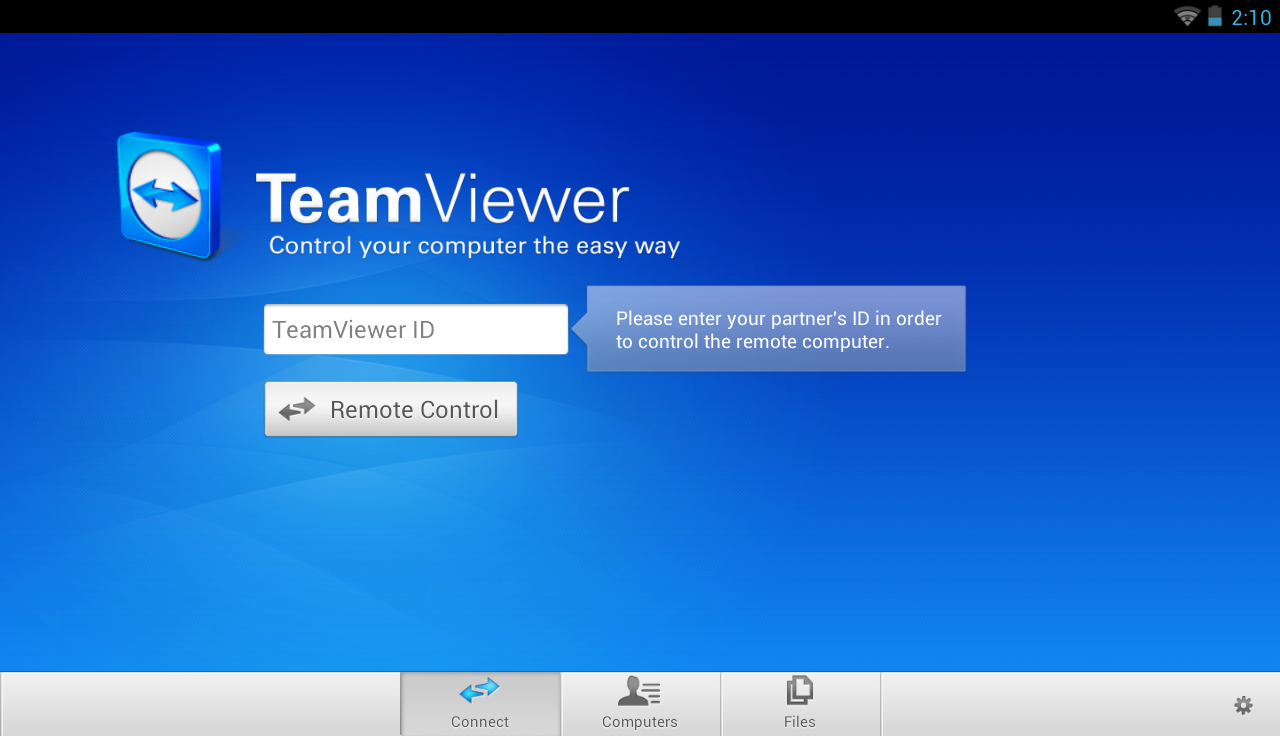
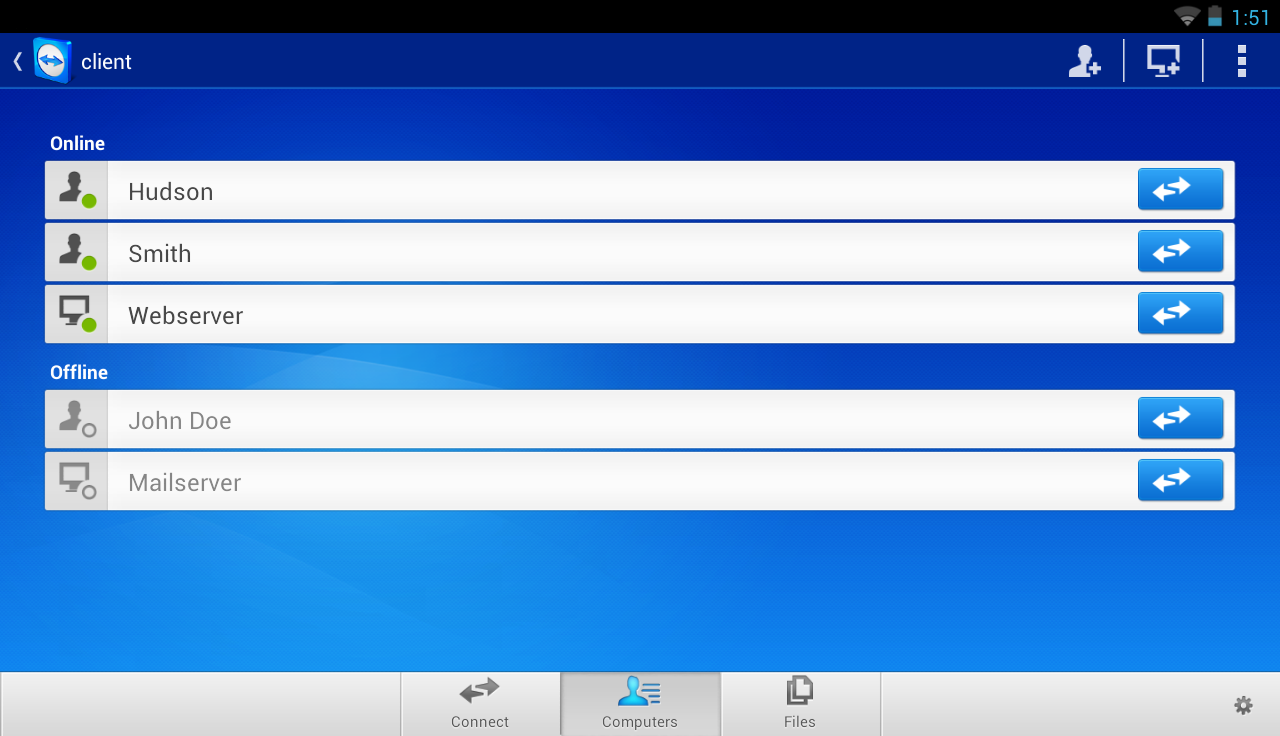
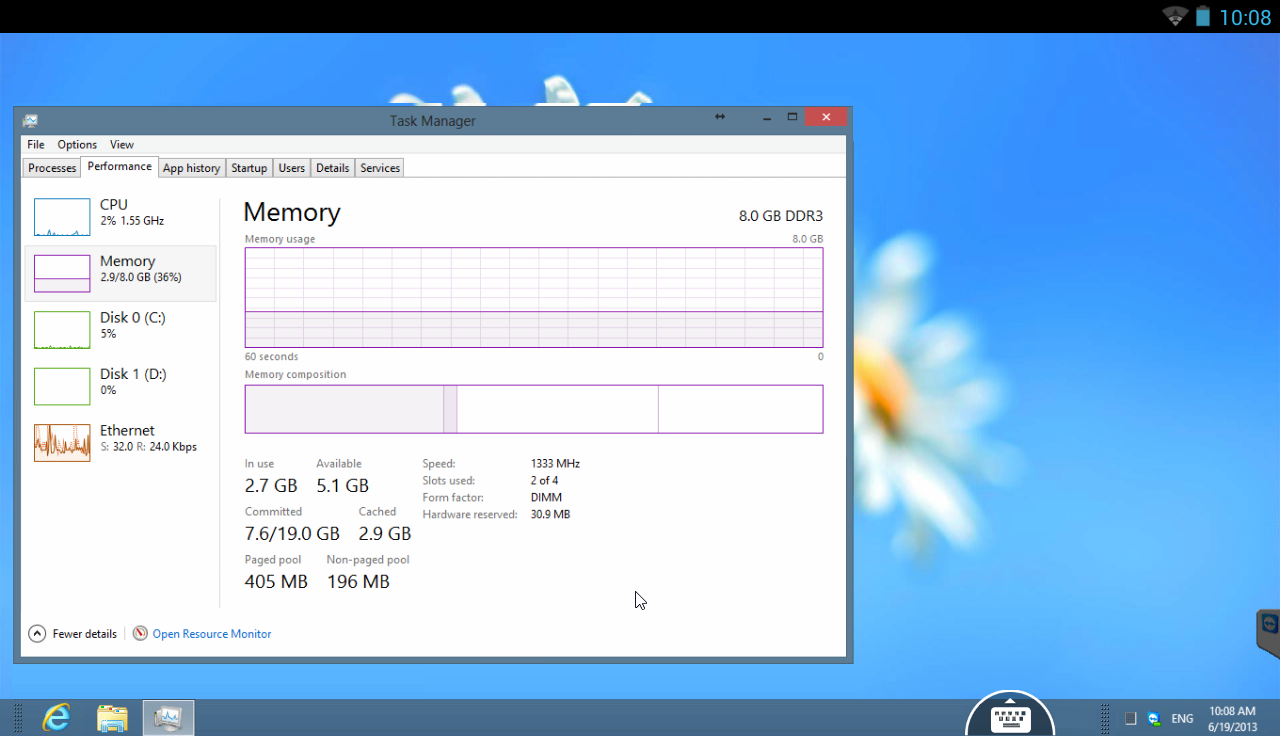
Mobile and flexible: remotely access computers from your android device!
Easily support friends and family when they have computer problems - no matter where you are. You can also benefit from gaining access to your private home computer to edit documents or use particular software while you are on the road.

Features
- Both spontaneous support for friends & family and access to unattended computers (Windows, Mac, Linux) are possible - also during a telephone call
- Transfer files from your Android mobile device to any computer and vice versa
- Conveniently control remote computers using the multi-touch gestures: left click, right click, drag & drop, scroll wheel, zoom
- Complete keyboard control incl. special keys such as Ctrl, Alt, Windows®
- Meets highest security standards: 256 Bit AES Session Encoding, 1024 Bit RSA Key Exchange
- Effortlessly access computers behind firewalls and proxy servers
- Automatic quality adjustment
- Remotely reboot the computer
- Overview of friends and computers that are online - via the integrated computer list
- Tablet ready

Private use
TeamViewer Free is intended for private use only, e.g. to access your private computers or help friends with their computer problems.

Change Log
- Lock remote computer” at the end of the session can be set to: Auto select, Always, or Disable
- Play computer sounds and music” can be deactivated
- Clipboard synchronization
- When leaving the app during a connection, possibility to return to the open session by clicking on the TeamViewer icon on the desktop
- Various other minor fixes and improvements

Images


Downloads
Download
Read More..

Using iPhone 5 remotely control home automation! 2012 Tech Review Auckland 0212640000


So you’re away from home when you remember you left your lights on because Wesley, your imaginary friend, is afraid of the dark. But then–what’s this? You see Wesley at Red Lobster! So you whip out your phone and remotely turn the lights off with 
SmartThings, a new way to access your home via low-powered, smartphone-controlled sensors. Using your router and the Cloud, you can control things like your AC unit, lamps, and other appliances. It sure beats having to rely on Wesley’s unpredictable ass.
This post is sponsored by:

Dr Mobiles Limited (Map)
1, Huron Street, Takapuna, Auckland 0622
Tel: (09) 551-5344, Mob: (021) 264-0000
info(a)drmobiles.co.nz
Facebook - Blogger - Twitter - Tumblr - Google+

New Lynn Branch (Map):
3069, Great North Road, New Lynn, 0622
Tel: (09) 5555-344, Mob: (021) 374-007
sales(a)drmobiles.co.nz 
Read More..

Blog Archive

Powered by Blogger.